
5.0
20 ratings29 MB
SizeVerified
SCREENSHOTS (8)
About the app
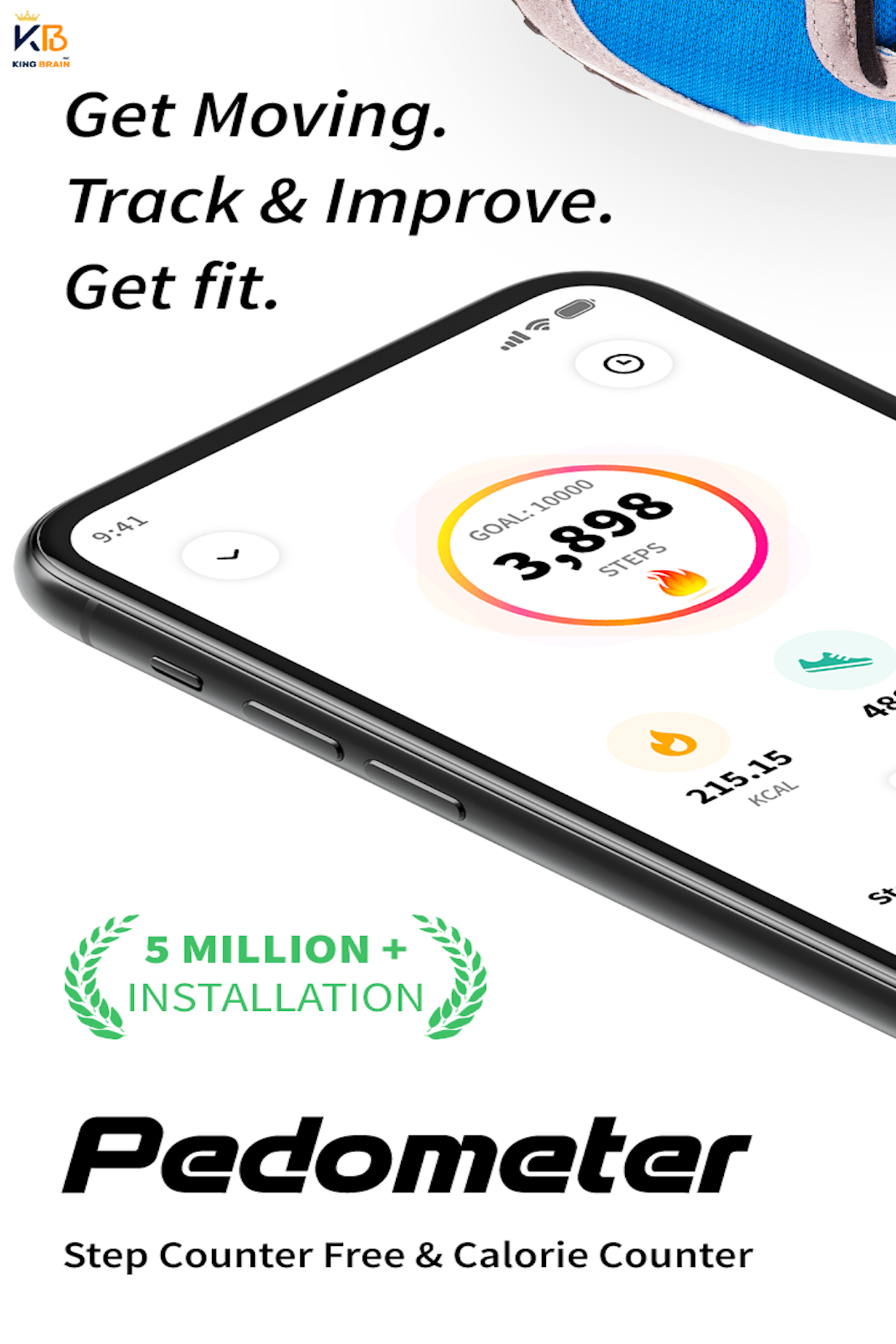
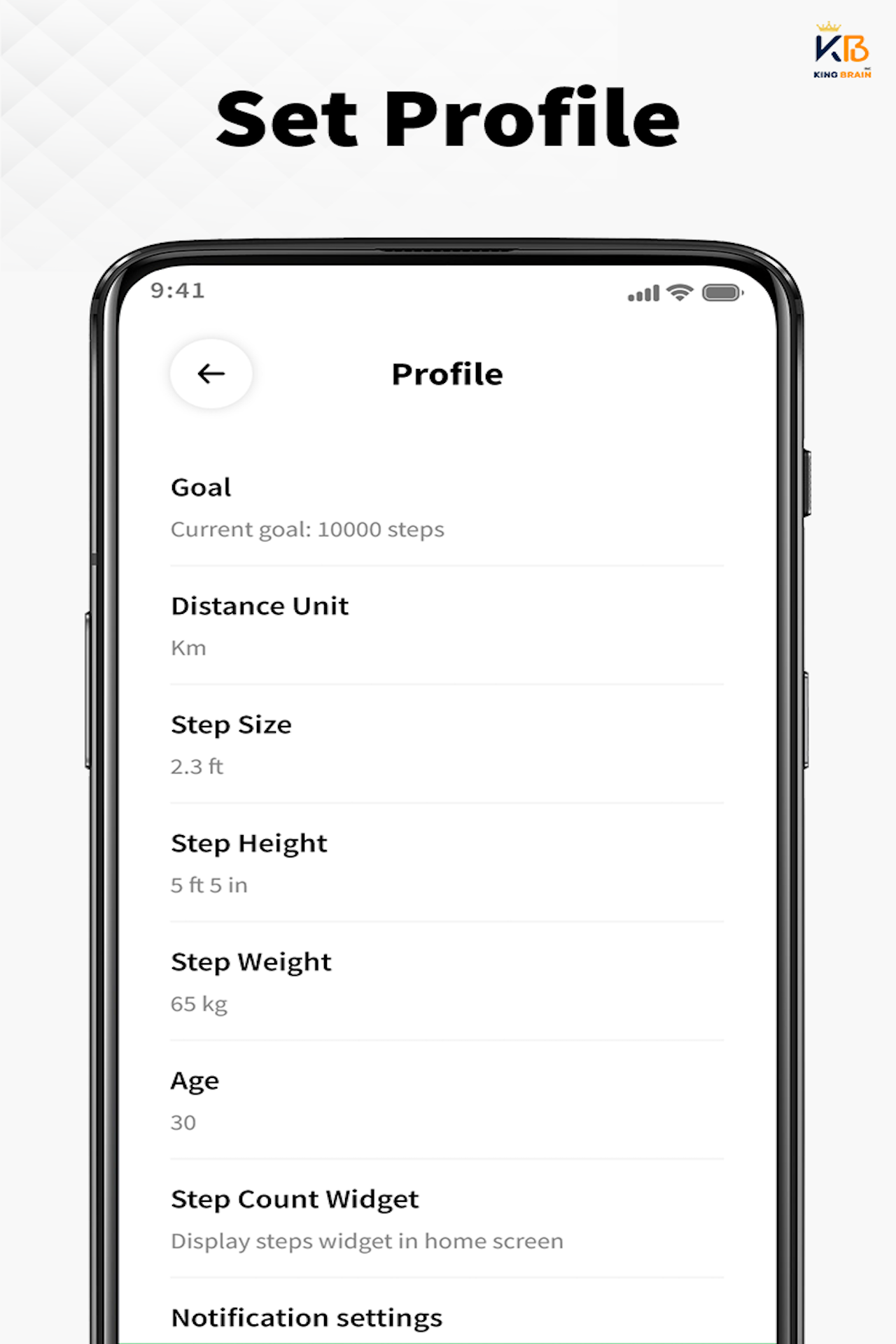
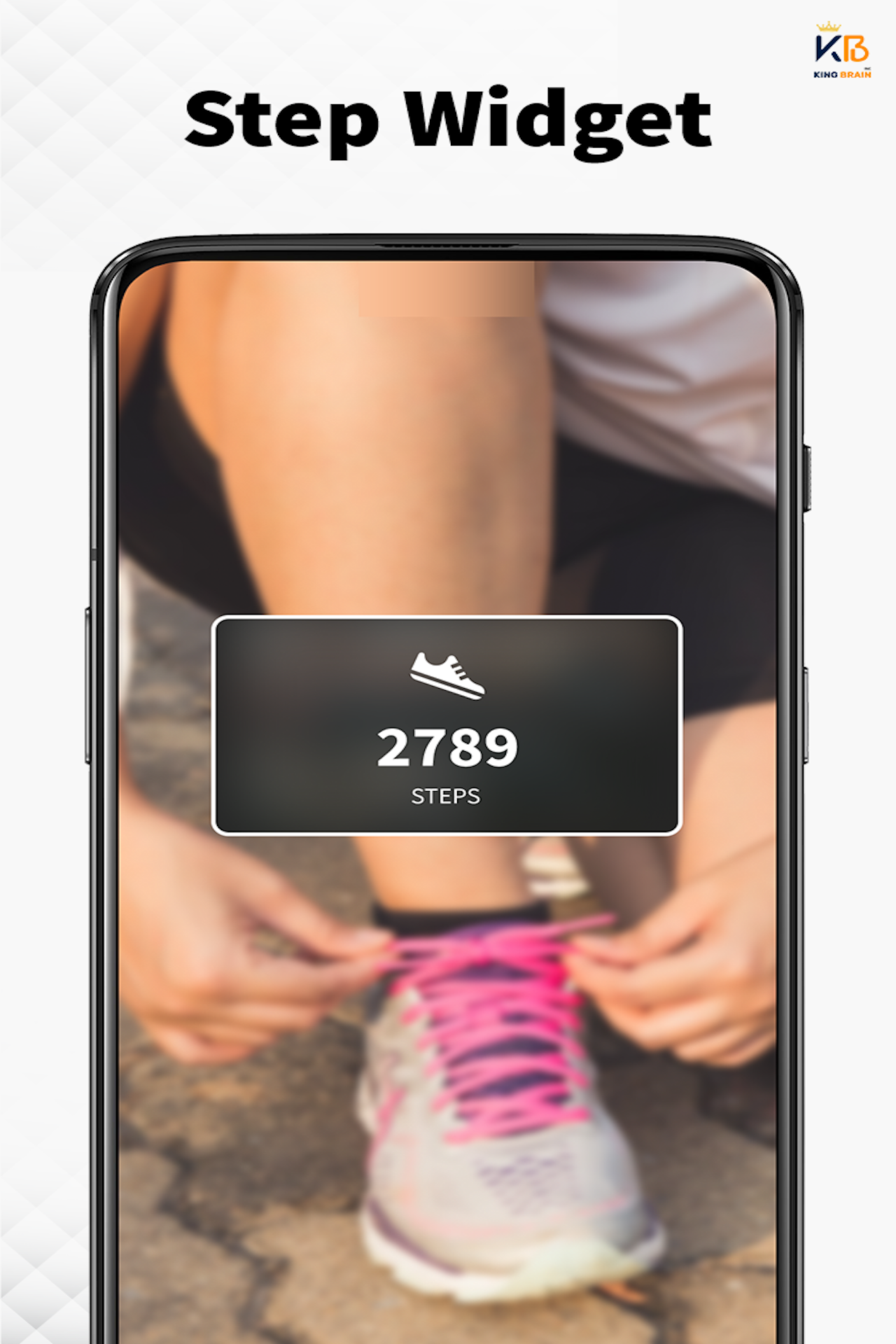
🚶♂️ Pedometer King™ - Step Counter & Walking Tracker Looking for a free, accurate, and battery-efficient pedometer app to track your daily steps? Try Pedometer King™ - Step Counter, the best walking tracker that helps you monitor steps, calories burned, walking distance, and activity duration effortlessly. This pedometer uses your phone’s built-in motion sensor for precise step counting. No GPS tracking means it saves battery and works offline! 🔥 Why Choose Pedometer King™ - Step Counter?
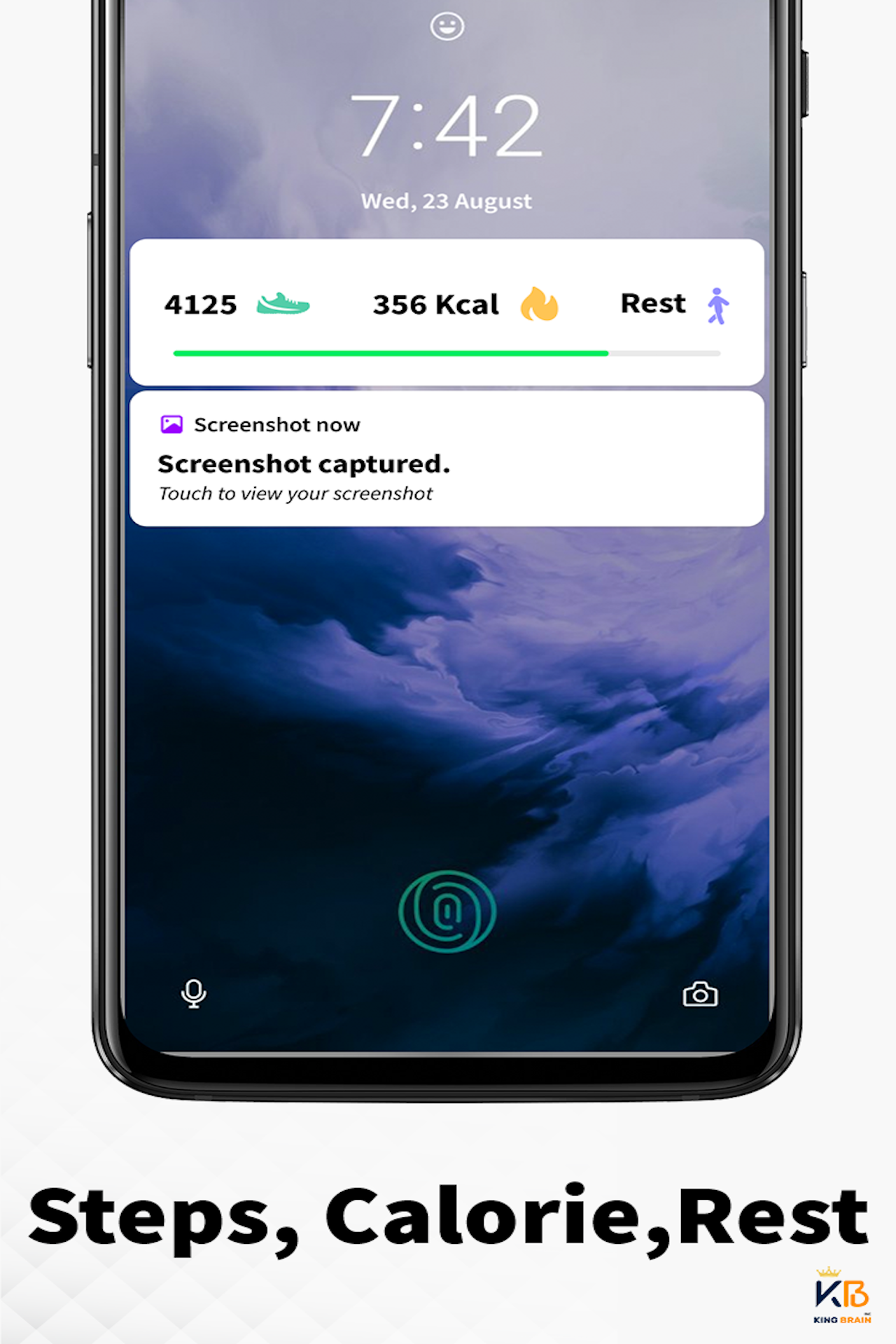
- ✔ Auto Step Tracking – Tracks your steps even when the screen is locked.
- ✔ Accurate & Battery-Friendly – No GPS, minimal battery usage.
- ✔ Offline Mode – Tracks steps without Wi-Fi or mobile data.
- ✔ Easy to Use – Just tap START, and it tracks automatically.
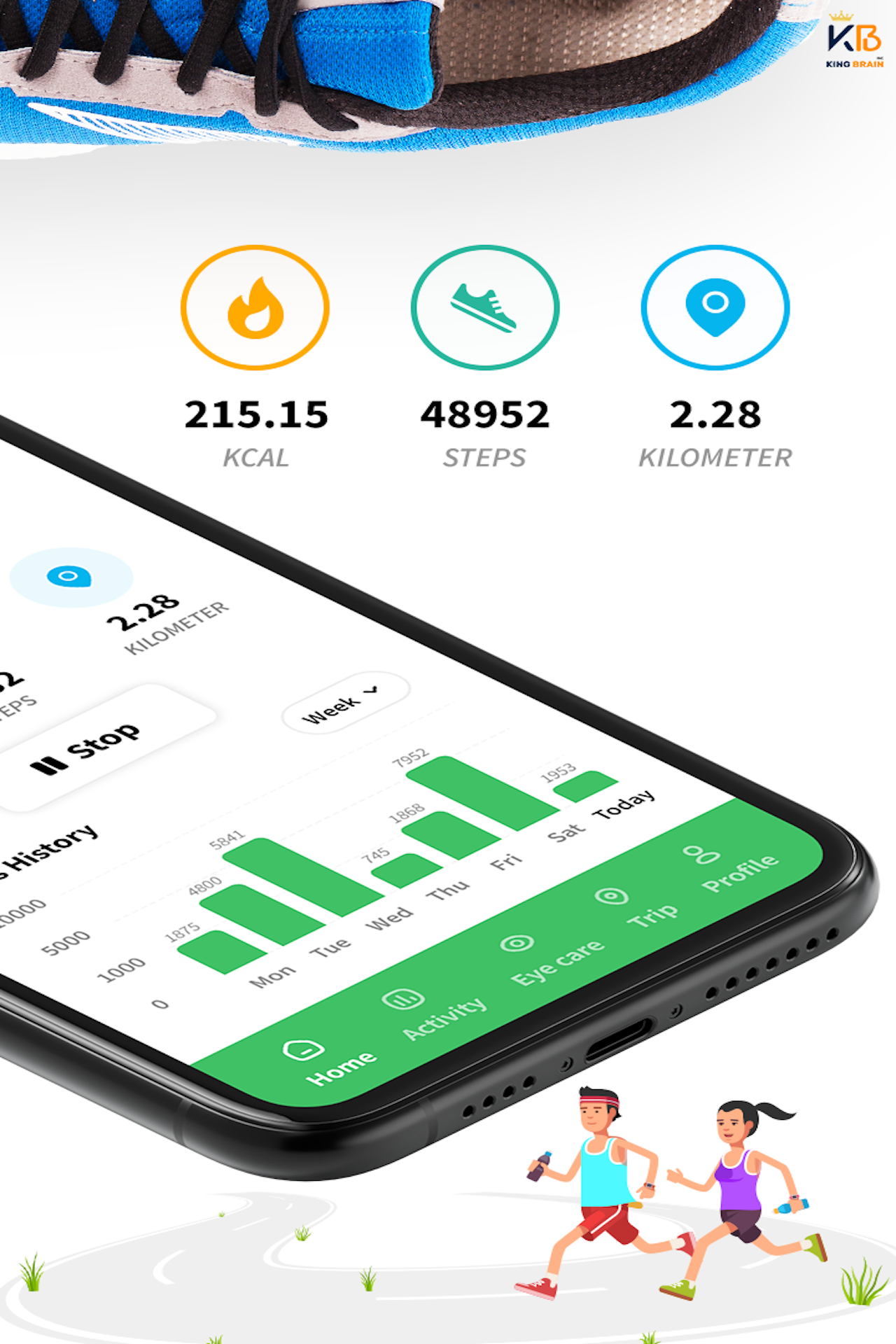
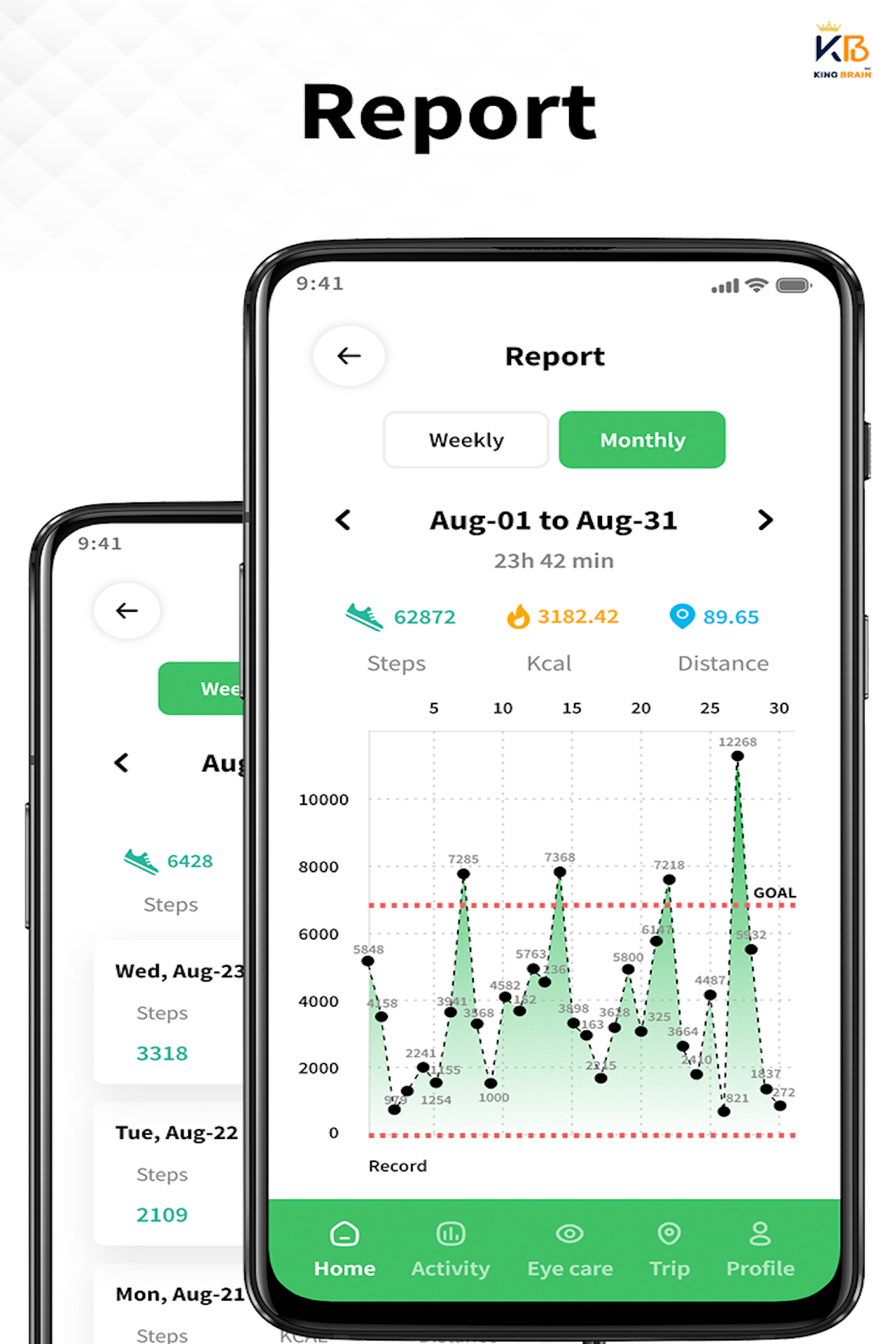
- ✔ Detailed Insights – View daily, weekly, and monthly reports.
- ✔ Pause & Resume Tracking – Stop step counting while driving or resting.
- ✔ Set & Achieve Goals – Stay motivated with custom step goals.
- ✔ No Wearables Needed – Works with all Android devices.
- ✔ 100% Private & Secure – No login required, and your data stays on your phone.
- Tracks steps, distance, calories burned, and pace with high accuracy.
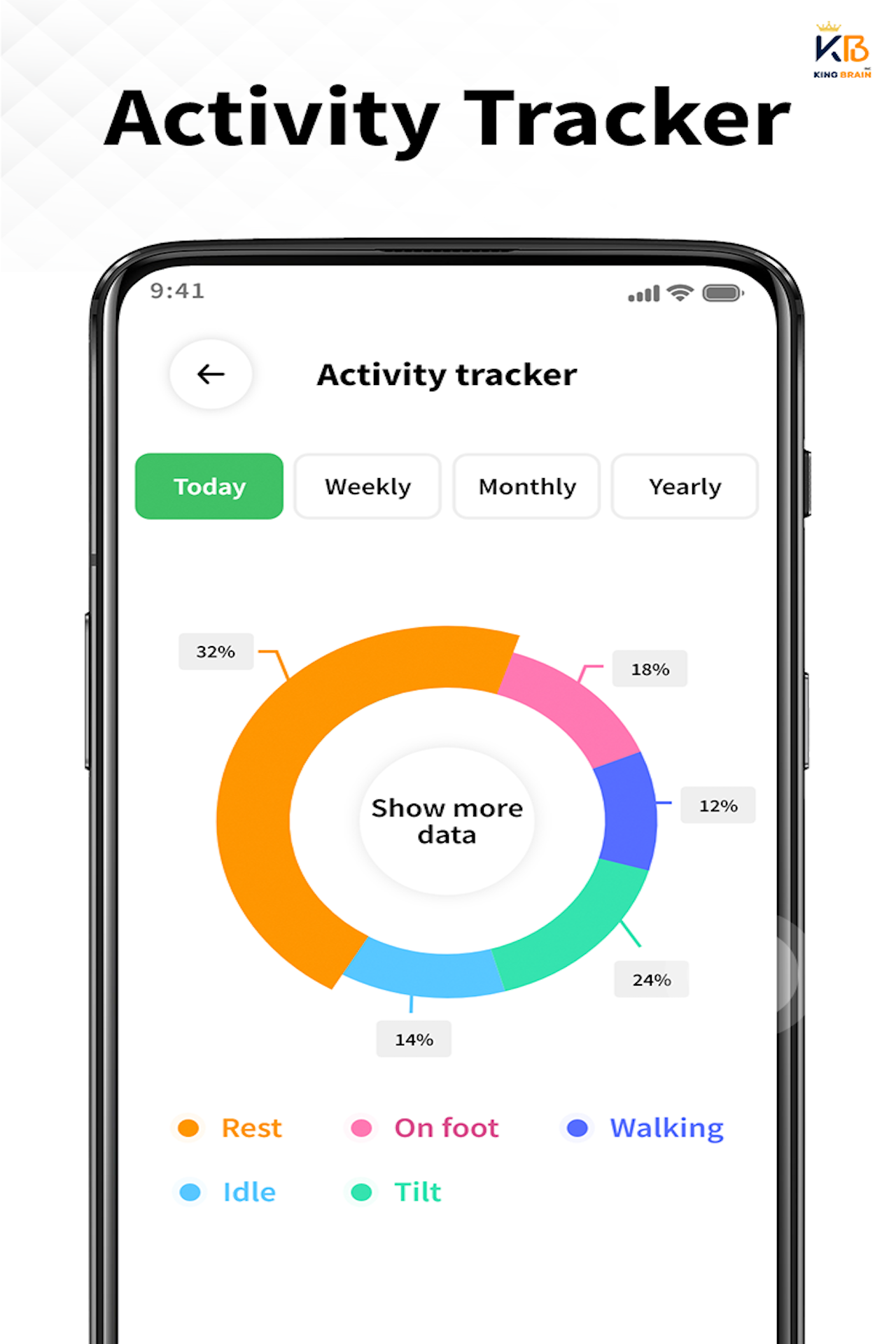
- Displays all activity in easy-to-read charts and graphs.
- Set customized daily or weekly step goals to stay active.
- Challenge yourself to walk 10,000 steps per day for better health.
- Pause tracking while driving or resting to avoid false step counts.
- Adjust sensitivity settings for more precise step counting.
- Monitor your total distance, time spent walking, and calories burned.
- Use it as a calorie counter for weight loss and fitness.
- Track your activity with daily, weekly, and monthly stats.
- Compare your movement trends to stay on track.
- 🔹 Achievements & Rewards – Earn badges and stay motivated.
- 🔹 Hydration Reminders – Get alerts to drink water.
- 🔹 Body Weight & Blood Pressure Tracker – Log your health data.
- 🔹 Backup & Restore – Keep your step history safe, even when switching devices.
- Automatically detects and tracks your walking, running, cycling, and vehicle activities.
- Smartly switches between activities for accurate tracking without manual intervention.
- Switch from walking to running or cycling without stopping your tracking.
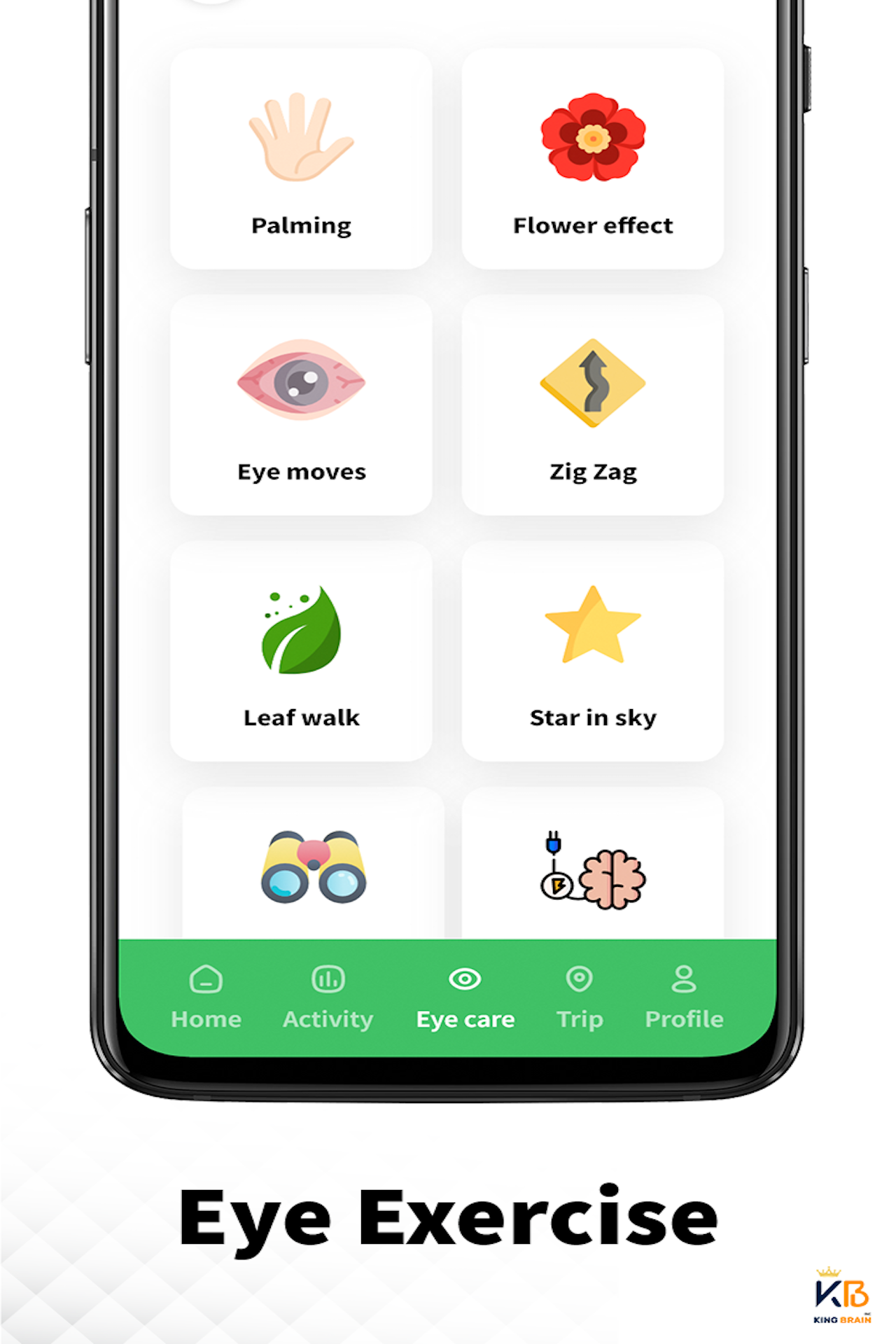
- Eye Rolling
- Palming
- Focus Shifting
- Near & Far Focus
- Blinking
- ✅ If you need a free & accurate pedometer.
- ✅ If you want to track your daily steps, calories, & distance.
- ✅ If you aim for 10,000 steps per day.
- ✅ If you want to lose weight & stay active.
Health and Fitness
Ratings
5
20 total ratings
5
100%
4
0%
3
0%
2
0%
1
0%


'%20fill-rule='evenodd'%20clip-rule='evenodd'%20d='M8.04878%200.118571C9.10796%20-0.198465%2010.2321%200.132893%2010.9526%200.961509L18.7058%209.9036H22.0709C23.0433%209.90386%2023.8429%2010.7032%2023.843%2011.6757V13.1309H23.8497C23.8497%2013.4983%2023.5476%2013.8014%2023.1803%2013.8015H19.9372V33.9548C19.9372%2034.423%2019.5703%2034.7975%2019.1021%2034.7977H17.142C15.91%2034.7977%2014.9156%2033.8036%2014.9154%2032.5644V28.0251C13.5538%2028.5582%2012.3722%2028.7169%2010.9963%2028.7169C6.45689%2028.7169%203.74677%2025.6897%203.74677%2020.6099V13.8015H1.77319C0.800641%2013.8015%200.000280942%2013.0091%200%2012.0294V10.573C0.000219737%2010.2057%200.303205%209.9036%200.670545%209.9036H13.5676L5.13039%201.85482C4.82078%201.55938%204.94365%201.04032%205.35428%200.917851L8.04878%200.118571ZM8.78425%2013.8082V20.611C8.78438%2023.1974%209.8151%2024.35%2012.1135%2024.35C12.9637%2024.3499%2014.1167%2024.1489%2014.902%2023.7959V13.8082H8.78425Z'%20fill='white'/%3e%3c/svg%3e)
Permissions
Location: access this device"s location
Storage: access photos, media, and files on your device
Internet: use your internet connection
Camera: take pictures and record video
Developer Info






Scan to download on PhonePe Appstore

